We Solve
Complex Appointment Scheduling
Transforming your appointment scheduling challenges into actionable logic with a friendly user experience.
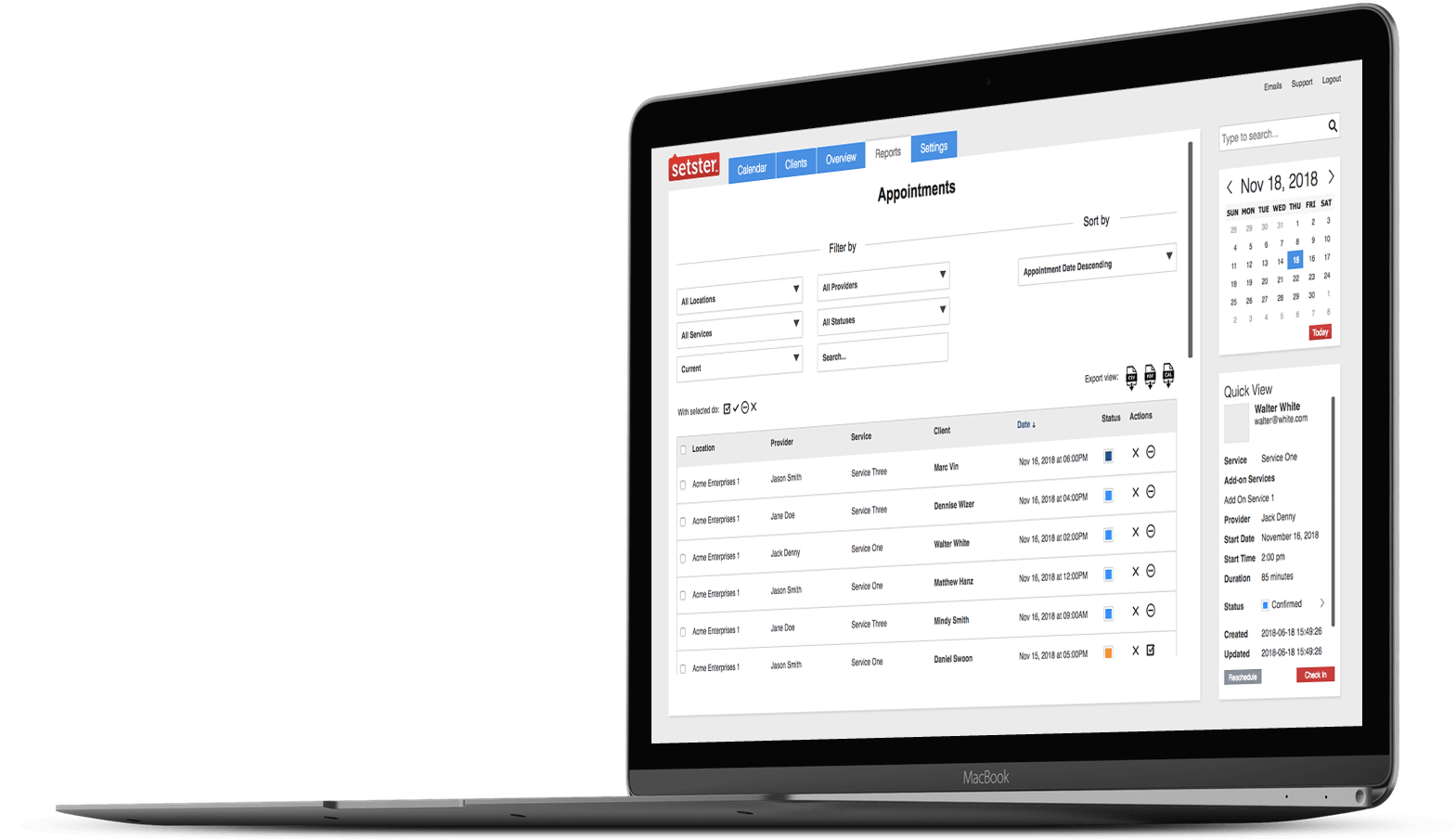
Robust
Appointment Scheduling API

Connect to any workflow
Setster’s scheduling platform employs a RESTful API that is easily deployed, secure and highly scalable to meet enterprise needs.
You can schedule thousands of appointments, remotely manage all of their parameters, track all user activity and plug Setster within your business workflow. In layman terms, with Setster, you can add massive scheduling capacity anywhere within your enterprise.
Your Booking Engine
Can Do All The Work

Solve Complex Problems
A smart booking application that simplifies tasks, mitigates risks and optimizes resources.

Connect & Consolidate
Integrate with other servers, applications or internal processes at any workflow stage.

Streamline Internal Processes
Improve communication and data storage across internal departments or within private networks.

Capture & Measure
Leverage data to improve lead generation and interdepartmental productivity.
We Speak Your Language
And We Focus On

Integration
Plug and play with other platforms, even those legacy systems that you can’t seem to leave behind.

Scalability
Whether it’s scalable server infrastructure, staff growth, service offerings or seasonal influx, we grow with you.

Security
Your implementation is always secure, and your data is encrypted and backed up on dedicated virtual servers.

Customization
Adding features, making tweaks or editing components can easily be done to achieve a custom fit solution.
Booking Solutions
Built For Versatility
OMNI-CHANNEL EXPERIENCE
Each consumer is unique and will decide to connect with you via different channels. Be ready to deliver on their needs consistently across all channels in real time, every time.


SMB SCHEDULER
Though built for enterprise, Setster is still easy to use by smaller businesses. Whether it’s a small team or individual, our out of the box subscription solution offers all you need.
RISK & TASK MANAGEMENT
During a crisis, organizations need to find an efficient and effective way to kickstart an administrative response in short order. Setster's rapid deployment make this an easy reality.


CAPTURE & NURTURE
Capture leads and turn site visitors into customers. Optimize customer success with continuous availability and instant gratification.
A Trusted
Scheduling Provider