Thank You Step
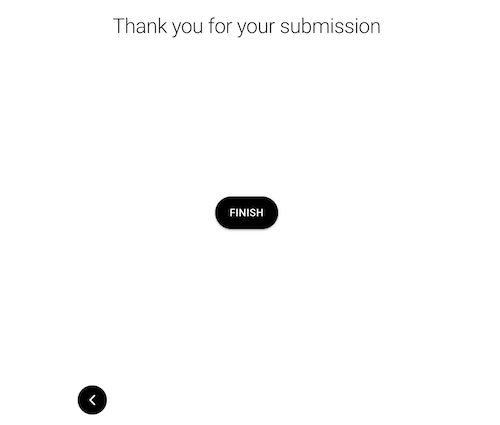
The thank-you step is displayed after form submission for both appointment and non-appointment related form flows.
{
  "steps": {
    "finish_step": {
      "title": "Your appointment has been created",
      "dialogue_title": "Thank you for using our services.",
      "button": {
        "text": "Finish",
        "show": true
      },
      "type": "thank-you"
    },
    "finish_no_appointment": {
      "title": "Thank you for your submission",
      "dialogue_title": "We will get in touch with you soon over the email",
      "button": {
        "text": "Finish",
        "show": true
      },
      "type": "thank-you"
    },
    "cancel_finish_step": {
      "title": "Your appointment has been canceled",
      "dialogue_title": "Thank you for using our services.",
      "type": "thank-you"
    }
  }
}
Schema
Full Schema
Example
| type required | string Value: "thank-you" |
object (AppState.ThankYouButton) | |
| callback | string Allows a custom callback function to be run after the thank you step's button has been clicked indicating the user has finished the form flow. This callback function must be appended to the |
| title | string The title of the step which is the first text content on the top of the step view. The title should describe the current step in a short and concise way. |
| can_skip | boolean When set to false the step is required to be answered before moving on to the next step. When set to true the user can skip answering the step. |
| class | string Adds a custom CSS class name to the step to allow for easy CSS selection and modifications at the step level. |
| layout | string (AppState.ILayout) Enum: "cards" "list" There are two available layouts for single select steps; cards and list. The cards layout consists of selectable retangular cards that are displayed in a single row grid format. Navigating between card options is handled by a horizontal carousel. |
{- "finish_step": {
- "title": "Thank You Step",
- "button": {
- "text": "Finish Button",
- "show": true
}, - "type": "thank-you"
}
}