Features
Enrichment Steps
These steps are optional enhancements that create a more engaging appointment booking experience. You might use these steps to gather additional data about the user, such as their favorite color or preferred style.
Use these steps to hone in on what your customer is actually interested in. Gathering additional information about your customer allows you to curate the logic flow of steps in a way that reduces the number of irrelevant steps the user sees. Ideally, we strive for fewer steps with higher relevancy content, which equates to more successful appointment bookings for your team.
- Select
- Questions
- Image Map
- Info
- Thank You
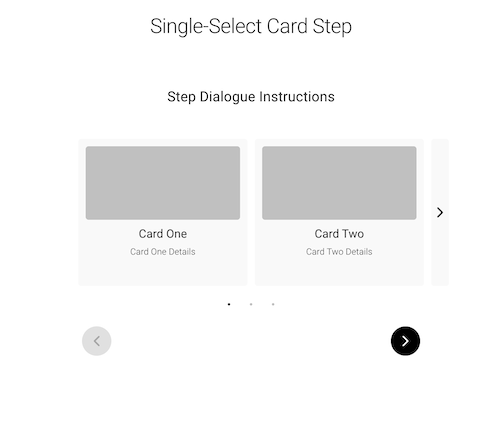
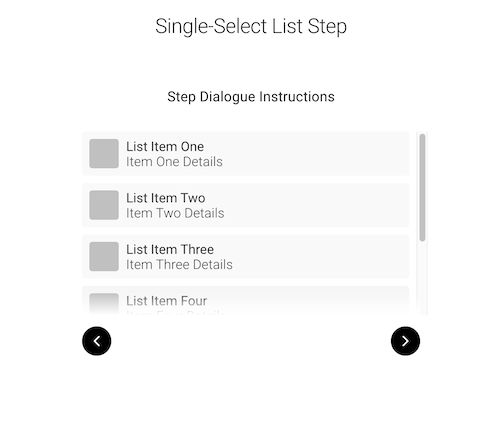
The multi-select and single-select select step types provide a similar purpose to that of traditional checkboxes or dropdowns with predetermined selectable items.
There are two primary step layouts for both selectable types, including the cards and list layouts. See Layout Docs
📄️ Select Docs
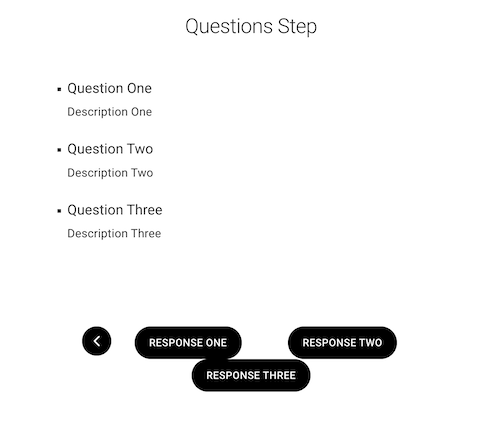
User can select from buttons as their answers. Question steps are ideal for questions with a small handful of answer options that require more context than can fit on something like a card or list item.
📄️ Questions Docs
Learn to configure question steps within Setster Studio, crucial for gathering necessary information from users.
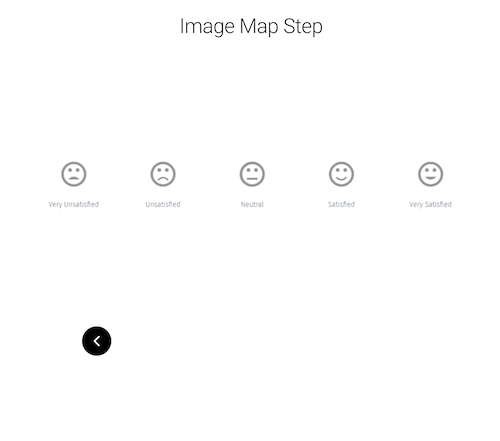
This step can be used to create an image map. An image map is used to create clickable regions on an image thus enabling the user to make selections based on said image. The image map allows for a more visual selection experience.
📄️ Image Map Docs
Guide on setting up image maps in Setster Studio, providing an interactive and visual element to your booking process.
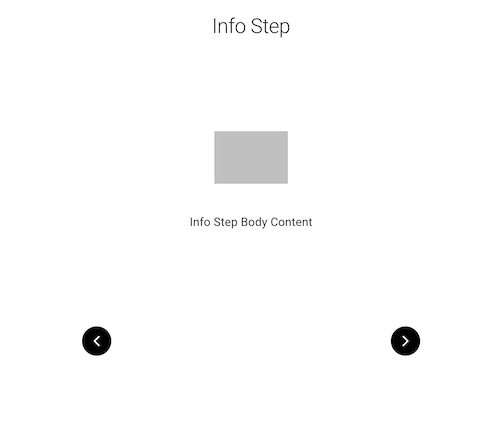
Info steps are used to display information with no available further actions or buttons required from the user.
📄️ Info Docs
Discover how to effectively configure information steps in Setster Studio, enhancing user communication and engagement.
The thank-you step is displayed after form submission for both appointment and non-appointment related form flows.
📄️ Thank You Docs
Learn to create impactful 'Thank You' steps in Setster Studio, enhancing the user's end experience after completing actions.
Booking Steps
Booking steps are a collection of steps that are required for completeing appointment bookings with an organization's service providers.
There are six models under the step type: booking that each serve a distinct purpose in the appointment booking flow which follow a similar pattern to those seen in the Setster API Models docs.
📄️ Booking Docs
An all-encompassing guide to configuring various booking steps in Setster Studio, enhancing the booking process for users.
- Services
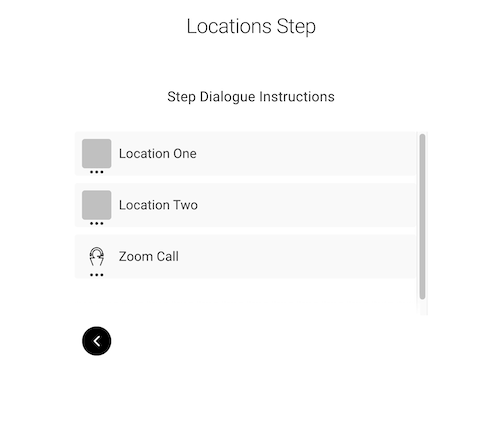
- Locations
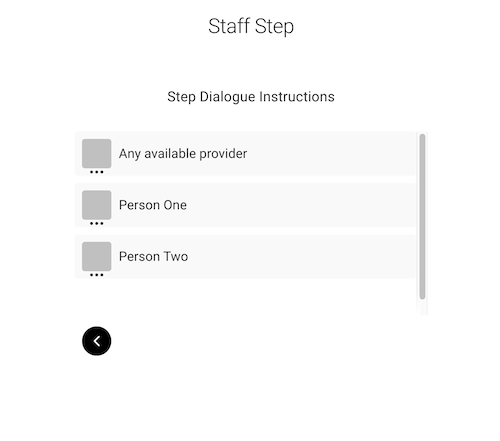
- Staff
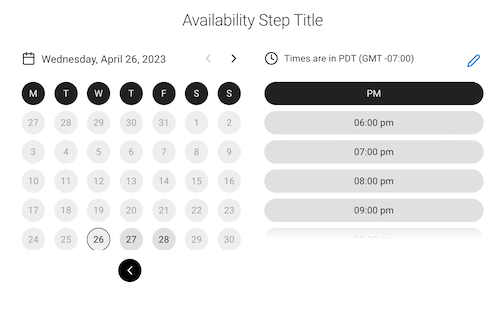
- Availability
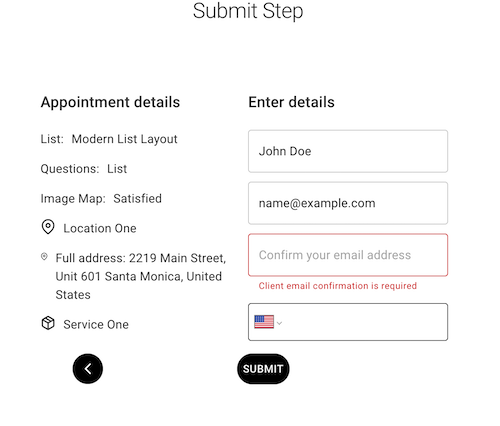
- Appointment
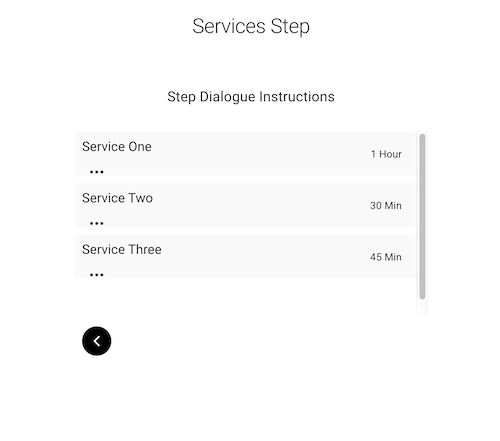
This step type fetches the services that you've added to your business profile in your Setster account.
📄️ Services Docs
Detailed instructions on setting up and managing booking services in Setster Studio for a streamlined appointment system.